NOTES ON THIS PROMPT
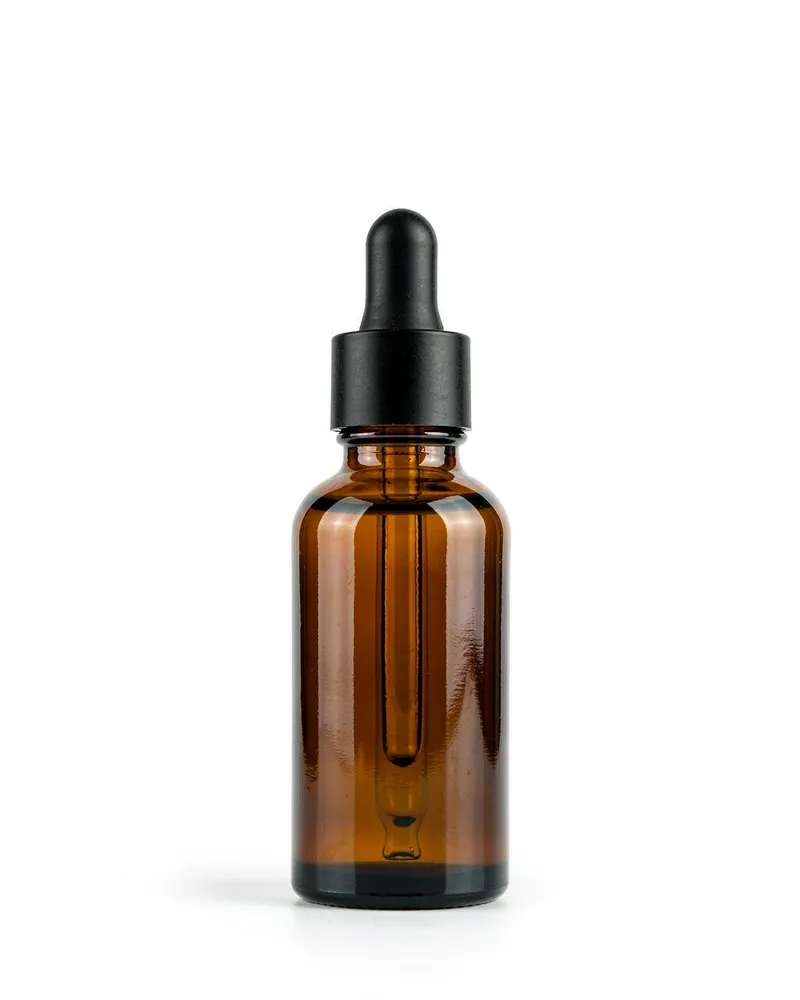
This e-commerce pack shot is built around one job: a pure white background, even light and one honest contact shadow under an unbranded bottle.
Why this prompt works
- Light
- 'even softbox lighting from both sides' is the pack shot rule: it kills stray shadows so the marketplace crop looks clean, and 'one soft contact shadow under the bottle' keeps the product grounded instead of floating.
- Lens
- The '50mm lens at f/8' is the catalogue combination: normal perspective with edge-to-edge sharpness, so 'crisp clean edges' survive marketplace resizing.
- Style
- 'generous white space' and a 'label-free surface' make the frame drop-in ready for listings; adding a label in a design tool later is easier than asking the model to render your logo correctly.
Four one-line variations
Change one of these at a time. If you change several, you will not know which one moved the result.
- Product
- Swap the 'amber glass serum bottle with a matte black dropper cap' for a ceramic candle jar and keep the same white stage.
- Angle
- Change the centered stand to a three-quarter view to show a side wall of the bottle while keeping the pure white floor.
- Surface
- Move the bottle onto a clear acrylic riser for a subtle floating reflection that survives the white background.
- Crop
- Tighten the 'generous white space' slightly for a thumbnail-first square crop; keep the bottle's cap inside the safe area.
When the result goes wrong
- Gray cast
- If the background drifts off-white, add 'background pure #FFFFFF white, evenly lit, no vignette' to pull the seamless paper back to catalogue white.
- Double shadows
- When two competing shadows appear, restate 'one soft contact shadow only, shadows elsewhere eliminated' so the single grounding shadow survives.
- Garbled label
- Do not ask the model to render brand text; keep the surface 'label-free' and add logo or typography in a design tool afterwards.
How it compares to 3D Glossy Product Still Life
The 3D Glossy Product Still Life AI Prompt is a render, not a photograph: it stages a stylized CGI object for playful pages. This pack shot is the photographic opposite — real glass, catalogue lighting and a pure white field — which is what marketplaces expect for a main listing image.
See the other prompt