Morning Desk Lifestyle Flat Lay AI Prompt
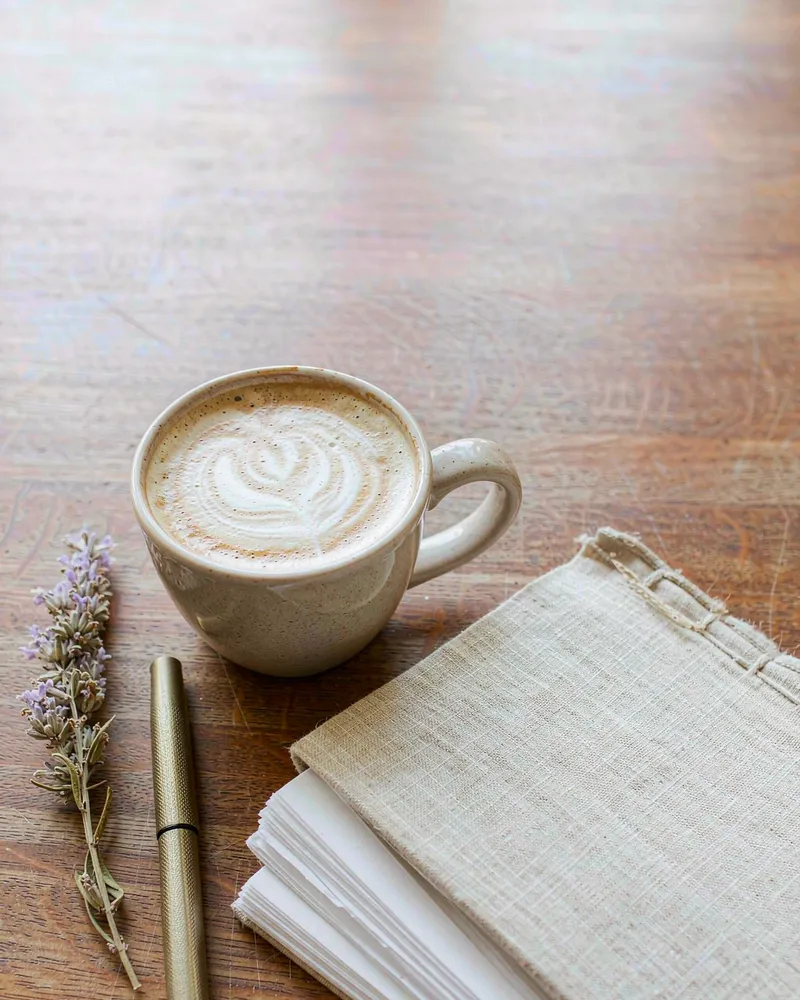
This lifestyle flat lay arranges coffee, notebook and lavender around one morning-light shadow direction on warm oak.
GeminiChatGPT
Free AI photo prompt library
Discover ready-to-use AI photo prompts for portraits, couples, professional headshots, creative photography and more. Preview the example image, copy the complete prompt for free, and use it with Gemini, ChatGPT, Dreamina or any tool that accepts a text prompt.
67 prompts · 10 categories · last added 2026-11-22
Photo AI Prompts is a free online library of ready-to-use AI photo prompts. Every entry includes the complete English prompt, an example image, the tools it was written for, and a note on whether it needs a reference photo of a person.
This site is a prompt library, not an image generator. It does not create images and does not ask you to upload a photo: you copy a prompt and paste it into Gemini, ChatGPT, Dreamina, CapCut, Midjourney, Flux or any other tool that accepts text.
No account or subscription is required to browse or copy anything.
Find a prompt
Try headshot, golden hour or 3D.
This lifestyle flat lay arranges coffee, notebook and lavender around one morning-light shadow direction on warm oak.
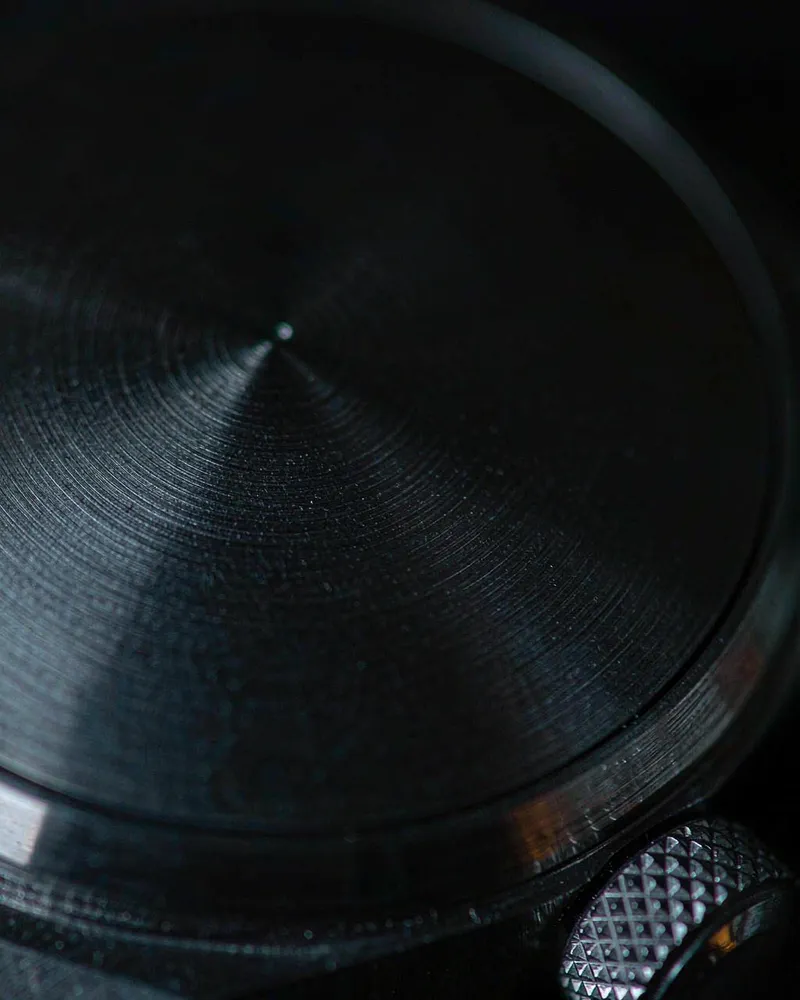
This macro detail shot lets one hard side light do all the storytelling across brushed metal and a knurled crown.
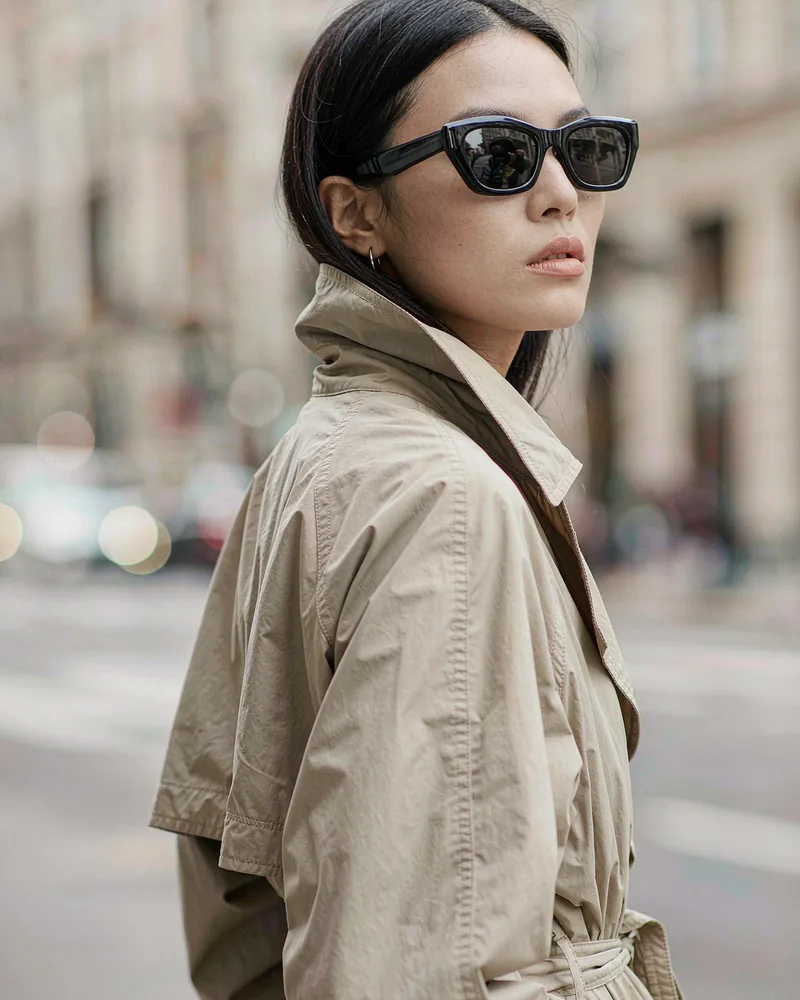
This on-model eyewear shot keeps the product sharp and honest while the street falls into daylight bokeh behind the trench coat.
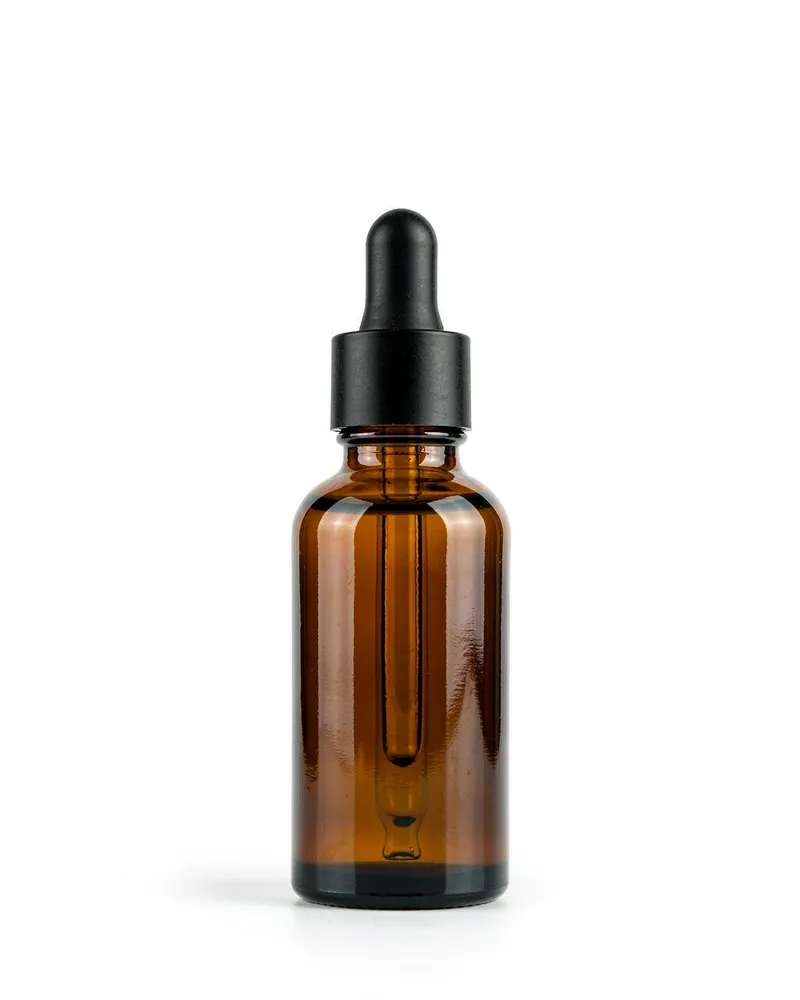
This e-commerce pack shot is built around one job: a pure white background, even light and one honest contact shadow under an unbranded bottle.
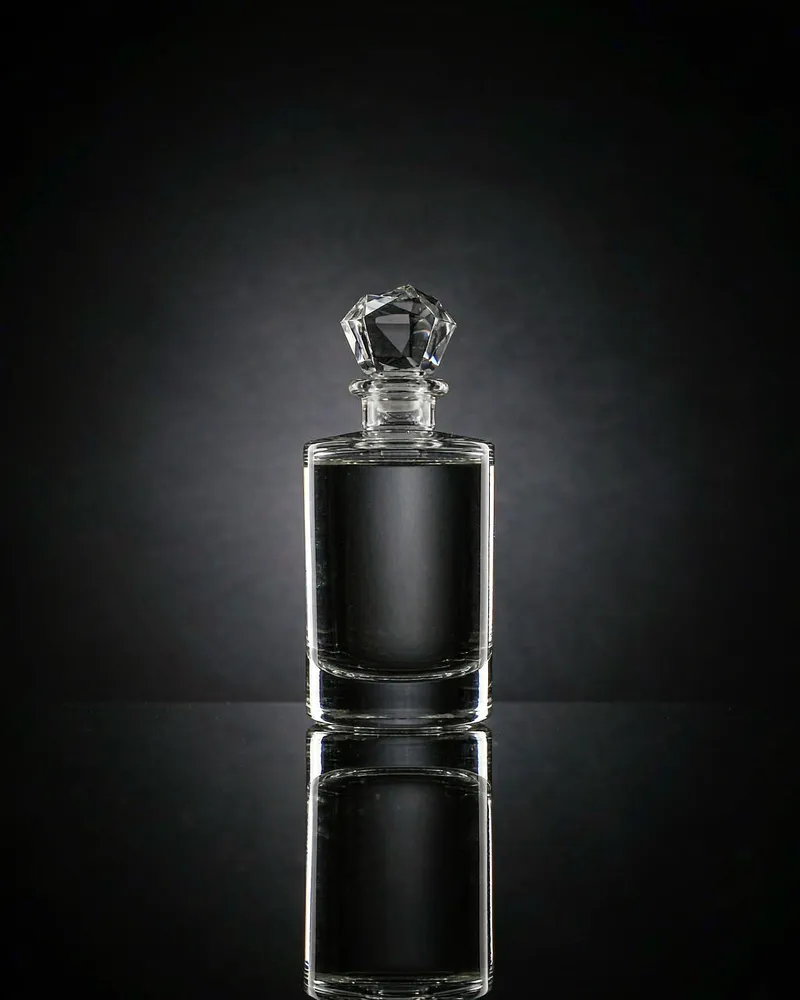
This studio reflection shot leans on one narrow rim light and a mirror-sharp black surface for the luxury read.
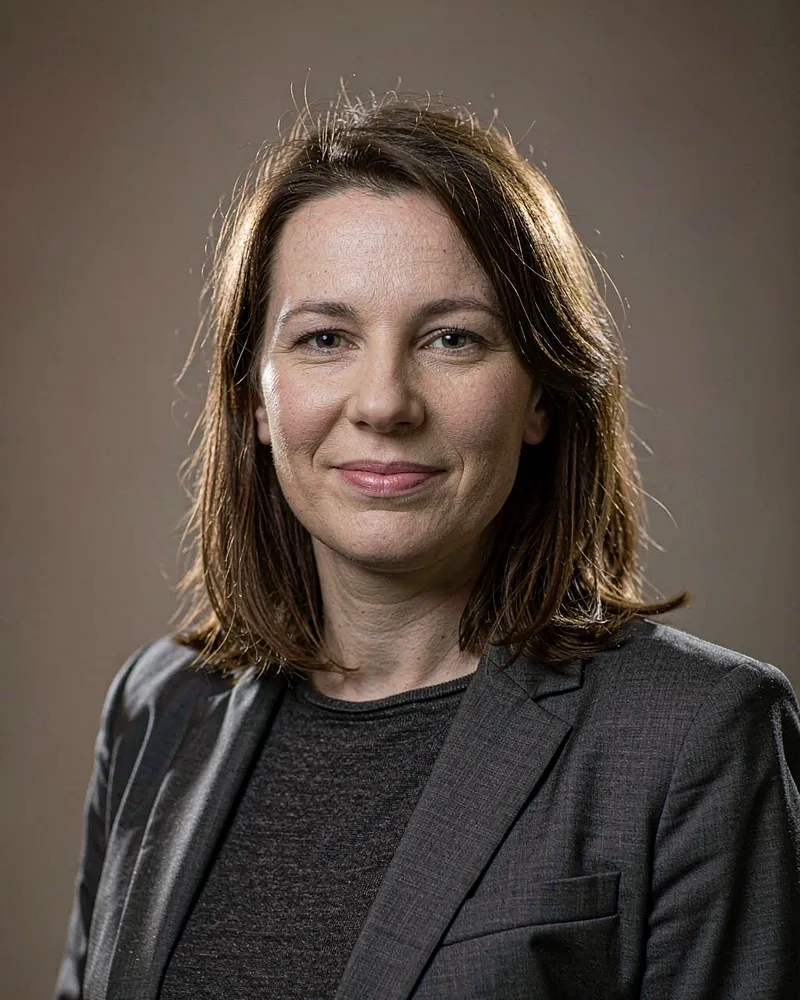
This studio headshot starts from the uploaded face, then establishes its story through a charcoal blazer, seamless warm gray backdrop and disciplined softbox direction.
Prompts are tagged with the tools they were written for. Gemini and ChatGPT take the prompt and a reference photo; Dreamina and CapCut take the same text.
Gemini
Accepts a reference photo with the prompt
60 prompts
ChatGPT
Accepts a reference photo with the prompt
52 prompts
Dreamina
Paste the text prompt
41 prompts
CapCut
Paste into its AI image feature
21 prompts
01
Find a prompt
Search by subject, lighting or tool, or browse a category. Every card shows the example image first.
02
Copy the full text
One button copies the complete prompt — not a summary, not the title.
03
Paste into your AI tool
Open Gemini, ChatGPT, Dreamina, CapCut or another tool. Attach a photo only if the prompt asks for one.
No. Photo AI Prompts is a library of text prompts. The site does not run an image model, does not accept photo uploads and cannot generate a picture for you. You paste the prompt into an AI tool that does.
No. Browsing, searching and copying are free and require no sign-up. There is no paywall and no credit system.
Each prompt is tagged with the tools it was written for — Gemini (60), ChatGPT (52), Dreamina (41) and CapCut (21). The text also works in other tools that accept natural-language prompts, but it was not written or tested for them.
37 of 67 prompts start from a photo of a person, because they are written to keep that person's face. Each card says whether a reference photo is required.
No. Example images show what a prompt produced in one session. Every model interprets wording differently and the same prompt will not reproduce a frame exactly. Use the example as a direction, not a guarantee.
Yes. Each prompt page lists four one-line variations — wardrobe, background, lens or light — so you can change one thing at a time and see what moved the result.