Women Business Headshot in Warm Office Light AI Prompt
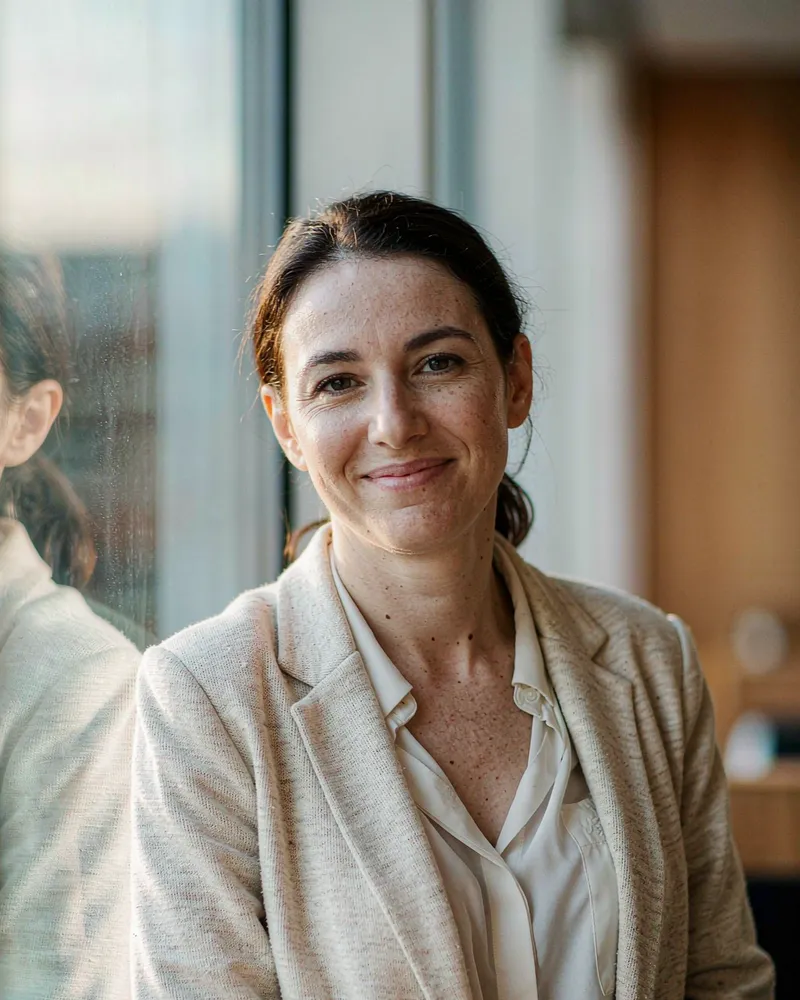
This business-casual headshot starts from the uploaded face, then establishes its story through a cream knit blazer, golden window light and warm wood behind the shoulder.
GeminiChatGPTDreamina
Free AI headshot prompts for LinkedIn and business portraits. Upload one selfie, copy a prompt, and see the example result before you paste it into Gemini or ChatGPT.
6 prompts · 6 need a reference photo · written for 3 tools
This business-casual headshot starts from the uploaded face, then establishes its story through a cream knit blazer, golden window light and warm wood behind the shoulder.
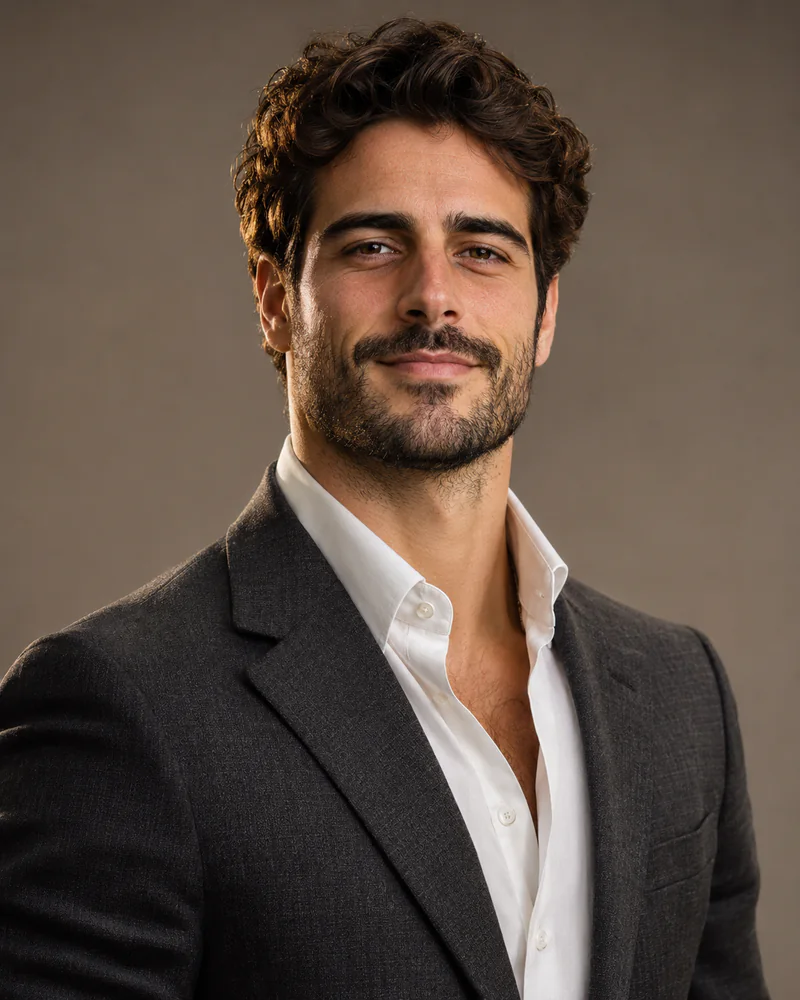
This studio headshot starts from the uploaded face, then establishes its story through a charcoal blazer, seamless warm gray backdrop and disciplined softbox direction.
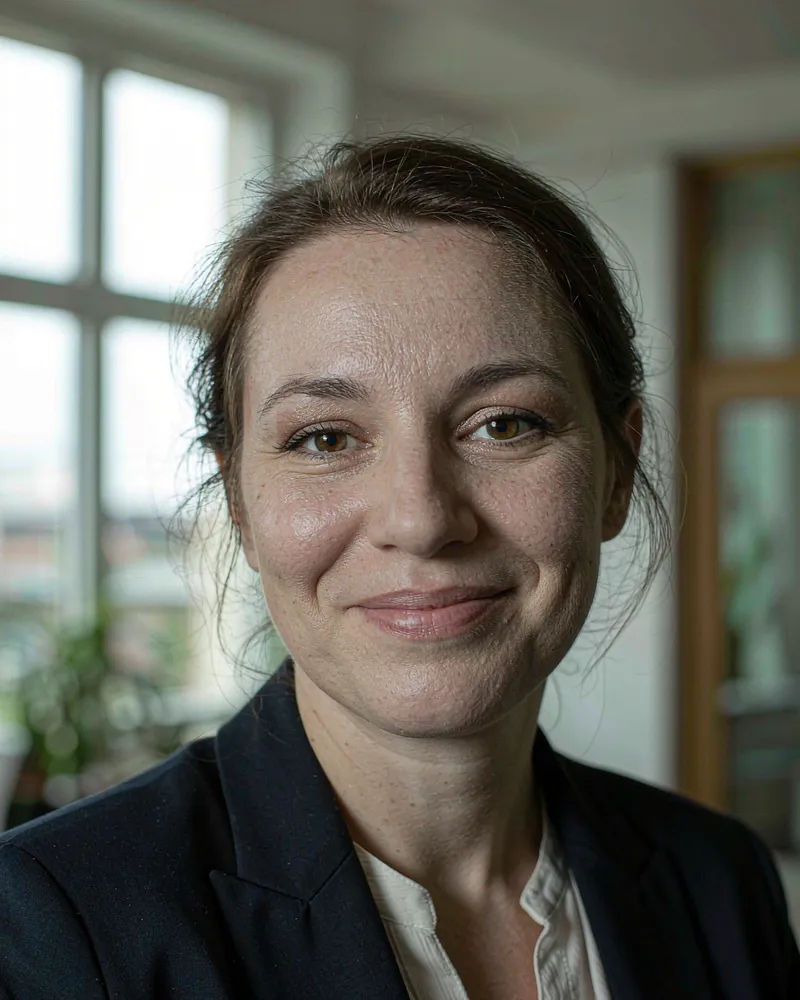
This window-lit business headshot starts from the uploaded face, then establishes its story through a navy blazer, white blouse and a softly blurred office with greenery.
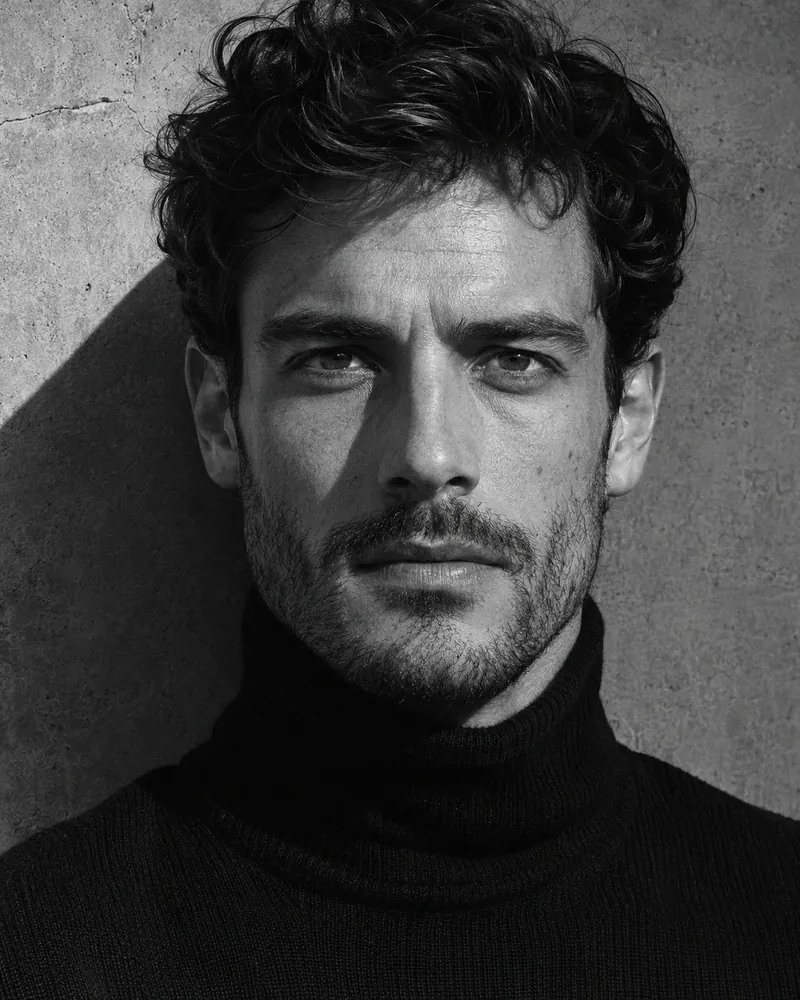
This black-and-white shadow editorial starts from the uploaded face, then establishes its story through black turtleneck, concrete wall and deep silver tones.
This professional office headshot starts from the uploaded face, then establishes its story through navy blazer, pale shirt and softly blurred office.
This tailored suit studio portrait starts from the uploaded face, then establishes its story through charcoal suit, open collar and warm gray backdrop.
ABOUT AI HEADSHOT PROMPTS
Every headshot on this page is written for an uploaded photo: the prompt opens by preserving the exact facial features, skin tone and hairstyle of the person in the image you attach. This site never asks for your photo — you attach one clear front-facing selfie inside your own tool, together with the prompt.
Match the selfie to the target look roughly: a level camera angle and simple hair give the generator the least room to drift. Wardrobe words in the prompt override what you wear in the selfie, so a plain top is enough.
Both tools take the prompt and the selfie in the same request. Paste the prompt as text, attach the photo, and generate. If the first result is close, keep the lens and lighting words and change only the wardrobe or background phrase — one change at a time tells you what worked. The prompt writing guide explains the six slots behind every card.
Yes. These headshot prompts keep your own face, so attach one clear front-facing selfie inside Gemini or ChatGPT and paste the prompt in the same request. This site never collects photos.
The window-light business headshot. Its conventional head-and-shoulders crop, neutral palette and approachable smile match what recruiters expect from a profile avatar.
Yes. The gray studio headshot is the uniform option — one backdrop, one softbox angle and one crop rule keep a grid of different people looking consistent.
Keep it simple. The prompt names the wardrobe, and its words override what you wear in the photo, so a plain top and tidy hair give the cleanest base.
Yes. Copy any prompt from the cards above or open a card for the full text. No account, payment or photo upload on this site.