NOTES ON THIS PROMPT
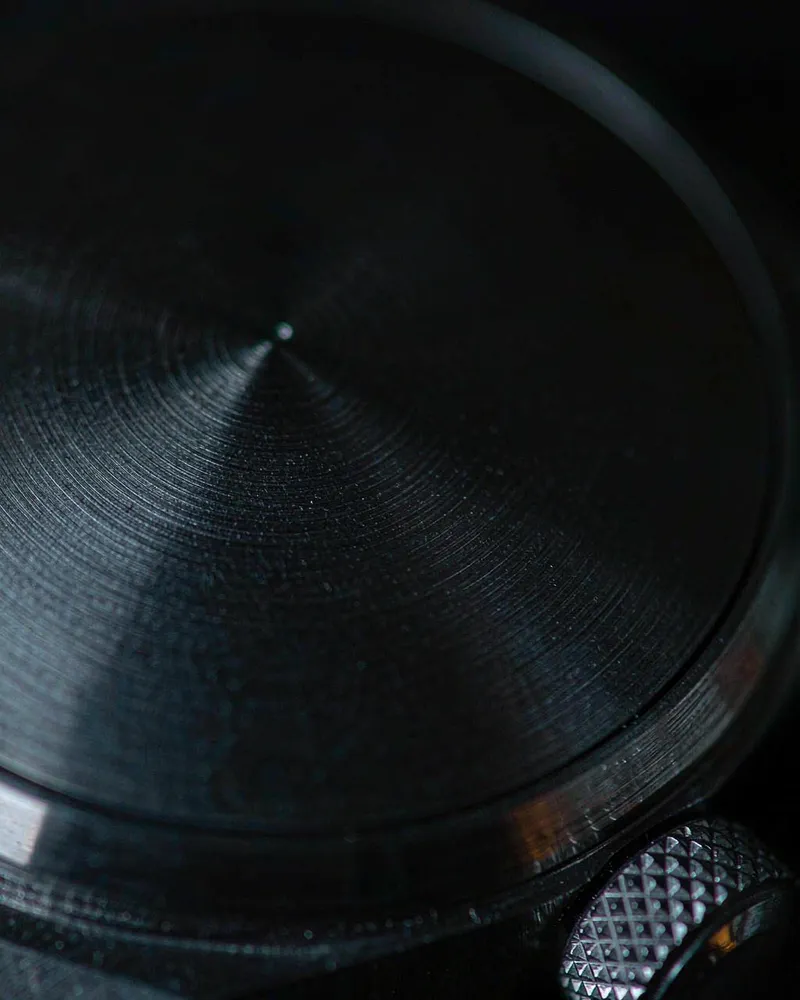
This macro detail shot lets one hard side light do all the storytelling across brushed metal and a knurled crown.
Why this prompt works
- Light
- 'one hard side light skimming across the surface' is the macro rule: raking light turns 'fine machining marks' into visible topography that flat soft light would erase.
- Lens
- The '100mm macro lens at f/4' gives working distance and razor-thin focus, so the 'brushed metal texture' is sharp where the light hits and the background 'falls into darkness'.
- Style
- 'cool metal tones with a single warm highlight reflection' keeps the frame disciplined — one warm accent against black metal is what makes detail shots feel engineered, not decorated.
Four one-line variations
Change one of these at a time. If you change several, you will not know which one moved the result.
- Product
- Swap the 'matte-black wristwatch dial' for a knife spine, a camera dial or headphone grille — any machined texture works with the same raking light.
- Palette
- Change the 'single warm highlight reflection' to a cool blue accent for a tech-product mood.
- Light
- Move the hard side light to a steeper angle for deeper relief on coarser textures.
- Crop
- Pull back slightly from 'extreme close-up' to include the crown and part of the strap keeper for context.
When the result goes wrong
- Flat light
- If the texture disappears, the light went soft — restate 'one hard raking side light, no fill' and the 'fine machining marks' return.
- Dial text garble
- Keep the dial 'unbranded'; invented brand text on a macro dial is unreadable sludge. Add your logo in post.
- Muddy shadows
- When black-on-black merges, add 'background two stops darker than the dial, separation on the crown edge'.
How it compares to Perfume Bottle Studio Reflection
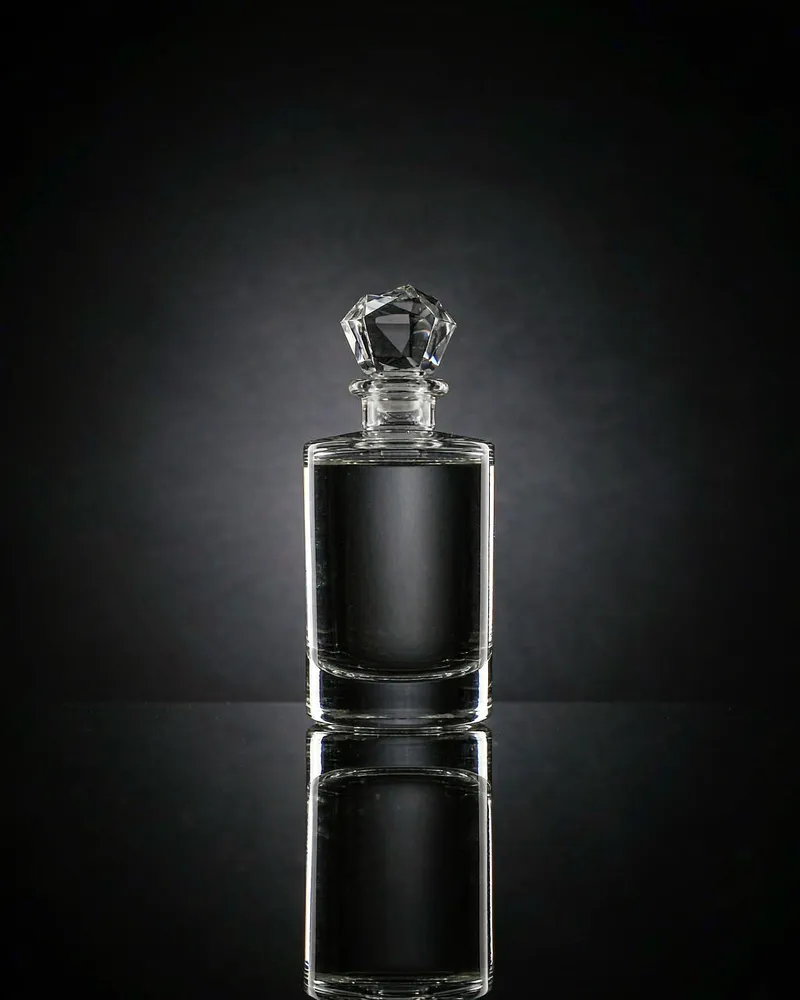
The Perfume Bottle Studio Reflection AI Prompt shows the whole product in luxury light; this macro shot is the trust-builder that follows it in a gallery — same dark studio family, but the story moves from silhouette to surface engineering.
See the other prompt