
NOTES ON THIS PROMPT
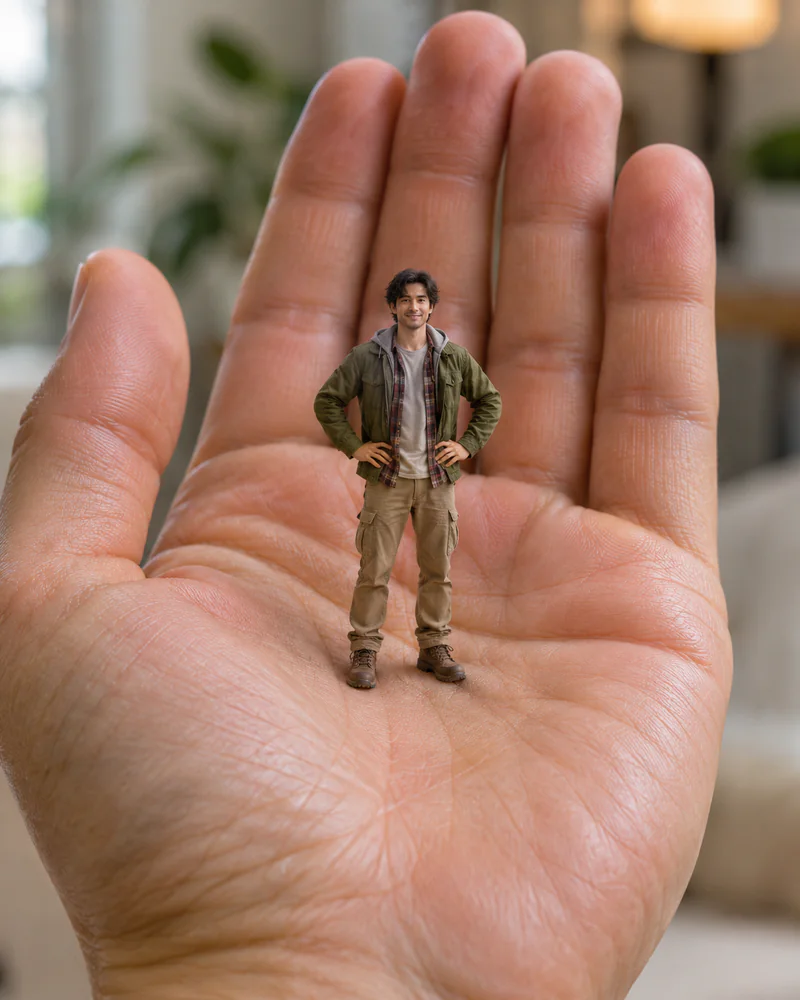
This scale-focused scene places a recognizable tiny self directly among laptop keys, turning an everyday work surface into a convincing miniature environment rather than a vague toy backdrop.
Why this prompt works
- Light
- The 'open screen casts soft cool light' gives the figurine a believable source at the correct height. Reflections along the key edges connect that light to the setting, while a dimmer room beyond prevents the screen from competing with their face. The contrast stays gentle enough to preserve skin tone.
- Lens
- A '90mm macro lens at f/4' brings a 3cm subject close without stretching their head or hands. The low eye-level angle makes the keycaps rise around them like architecture, and f/4 keeps the face and nearest letters readable while the desk falls away gradually.
- Style
- Premium macro photography depends on material differences: matte skin, woven clothing, slightly polished keycaps and a softly glowing display. The measurable relationship between a '3cm tall' figurine and a '14-inch laptop keyboard' stops the model from rendering an ordinary person beside an oversized prop.
Four one-line variations
Change one of these at a time. If you change several, you will not know which one moved the result.
- Hair colour
- Keep the uploaded cut but add 'soft copper highlights along their hair from the laptop screen' without changing facial proportions or the keyboard scale.
- Background
- Replace the plain desk beyond the keys with 'a dim creative studio containing a blurred sketchbook and pencil cup' while keeping the laptop dimensions fixed.
- Lens
- Switch to '105mm macro lens at f/5.6, slightly higher viewpoint' for deeper key detail and less dramatic towers around the miniature figure.
- Light
- Trade the cool display glow for 'warm late-afternoon window light crossing the keyboard from camera left' and keep a faint screen fill on their face.
When the result goes wrong
- Face warped
- If the face becomes generic at this scale, insert 'exact uploaded facial landmarks, level eyes, natural jaw, recognizable expression' immediately before the scene. A macro view magnifies small identity errors, so resolve likeness before describing the surrounding keys.
- Plastic skin
- For a waxy collectible, add 'matte skin with visible pores, woven fabric fibers, lightly worn keycap texture, realistic dust specks'. Separate surface cues keep the miniature figurine lifelike without turning their face into molded vinyl.
- Broken hands
- When fingers merge into the keyboard, add 'five distinct fingers on each visible hand, relaxed arms clear of the key gaps'. Keeping both hands away from narrow seams removes the geometry most likely to create extra digits.
How it compares to Mini Me Desktop Figurine
Compare the desktop figurine prompt, which places a collectible beside ordinary desk objects at a wider product angle. This keyboard scene moves the camera down between oversized keys and states exact dimensions, so choose it when dramatic scale is more important than showing the whole workstation.
See the other prompt